Click on the “Import my account” button.
Enter the following information:
Phone number with your country code (e.g. "+33600000000")
Your PIN code (4-digit code used to log into the Trade Republic app)
FlashFiscal doesn’t store your data (that’s why we ask for it for each new sync).
Then you’ll receive a notification from the Trade Republic app that contains a 4-digit code in the title.
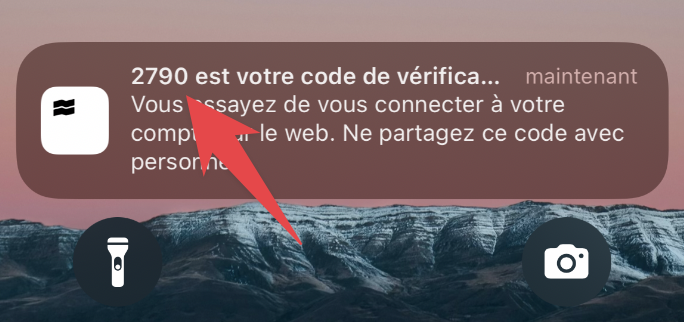
Don’t tap on it or the notification will disappear.
👉 Copy the 4-digit code shown in the title of the notification.
Make sure you have enabled notifications for Trade Republic on your phone
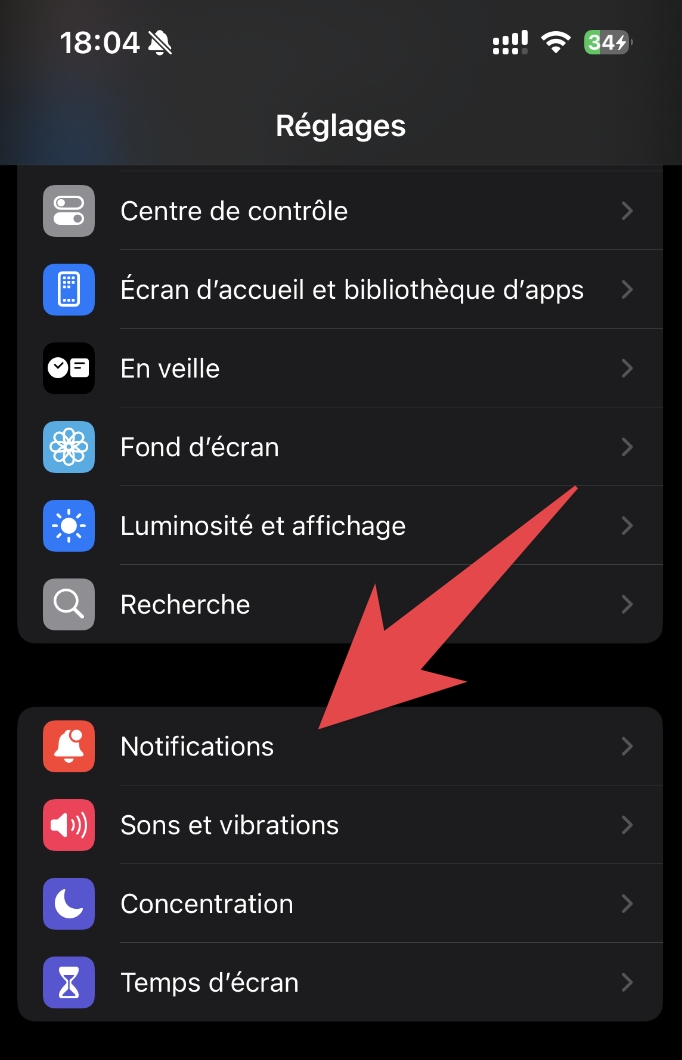
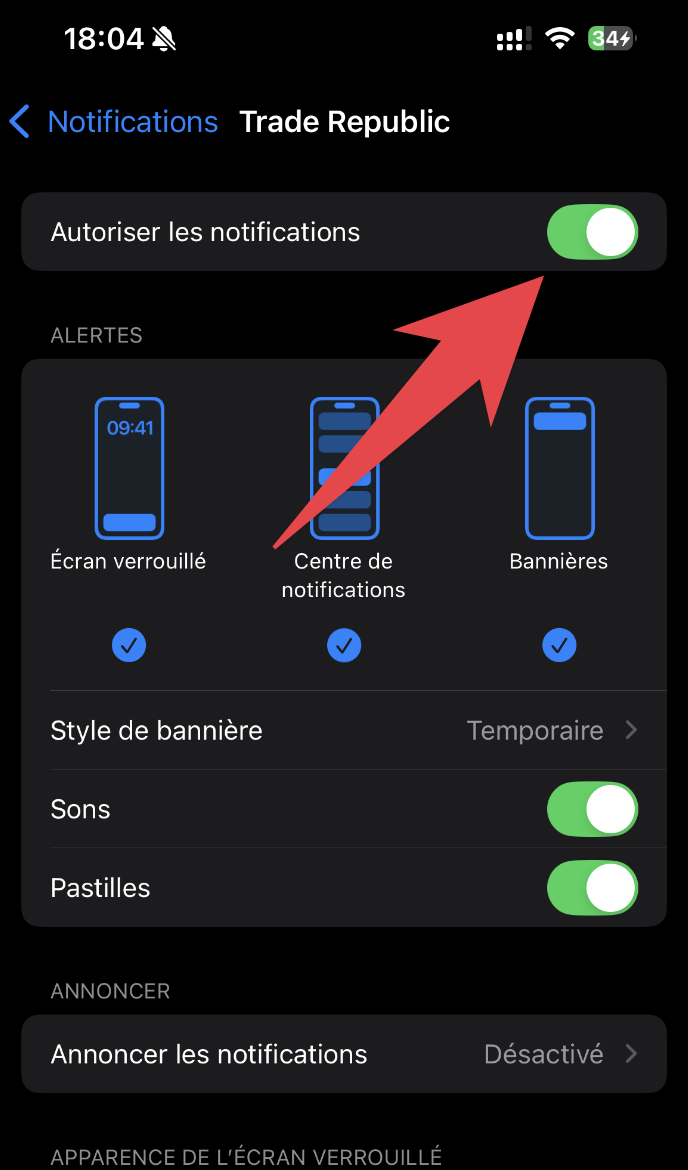
If the Trade Republic app is open on your phone at the time of import (or if you are in "Do not disturb" mode on iPhone), look in your notification center.
You will see the notification with the 4-digit code to use.
Could not display content
Once the connection is validated, FlashFiscal will import your data.
This can take up to a minute, depending on the amount of data to import.

