All your data is stored on your FlashFiscal account.
If you decide to cancel your subscription, your account will remain active and the data in it (returns, information, invoices, etc.) will be kept.
Canceling your subscription does not delete your account (or the associated data).
If you want to delete all your data, you will then have to delete your FlashFiscal account

 Before deleting your account, remember to download all the data or documents you might need.
If you have an active subscription, you must cancel it first before you can delete your account.
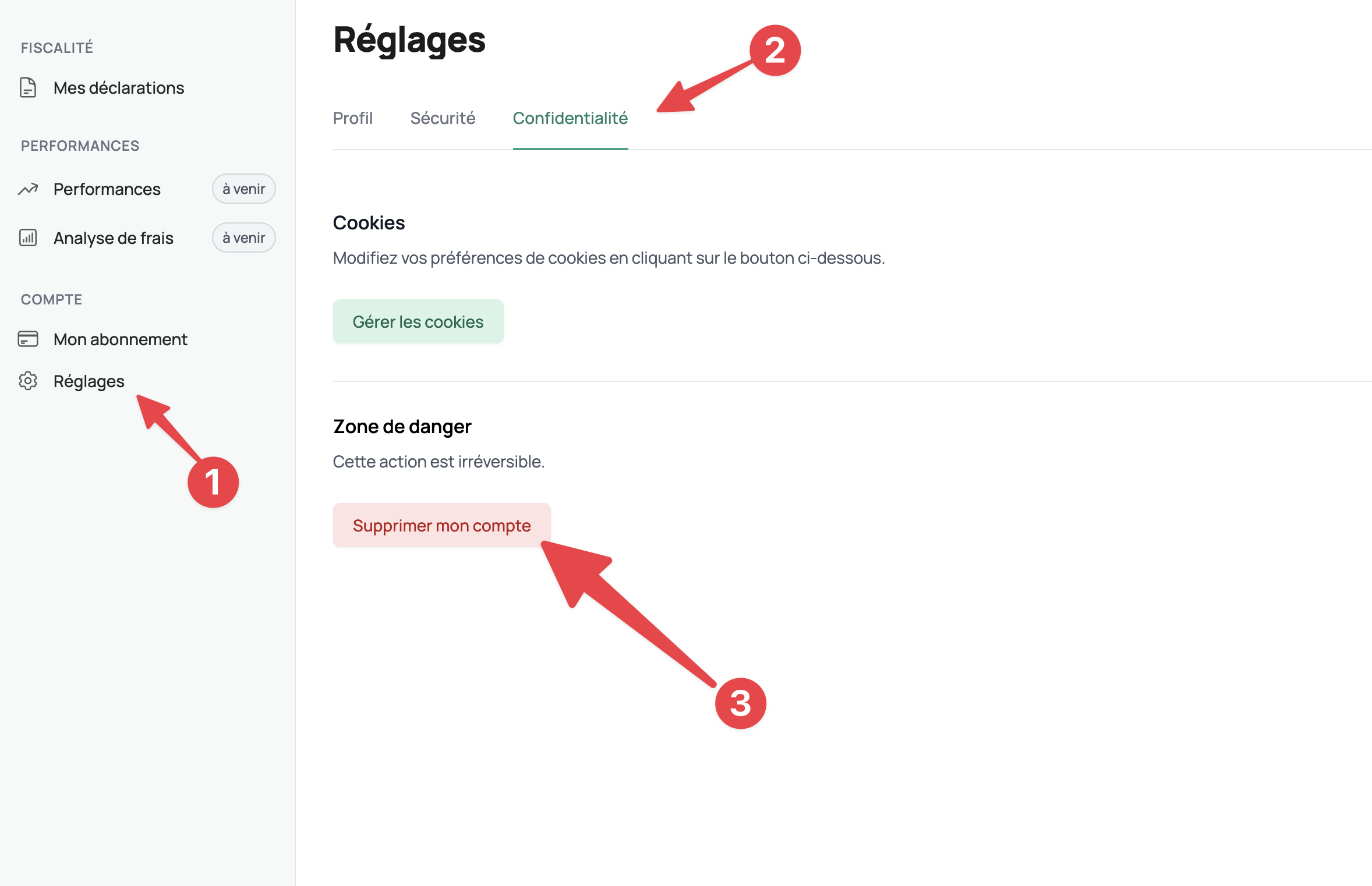
To delete your account, go to the Settings > Privacy page then click on Delete my account.